Mobile Video Editing Masterclass | Chinyerem James

Learn How You Can Create Clean, Professional Videos Using Just Your Phone.

Even If You've Never Edited a Video Before or Can’t Pay for CapCut Premium.

Instant access. Learn at your own pace


Whether you want to become a content creator, grow your business online, make money by editing videos for clients, or simply make your videos look more professional...This is for you!

Videos Created Using This Exact System

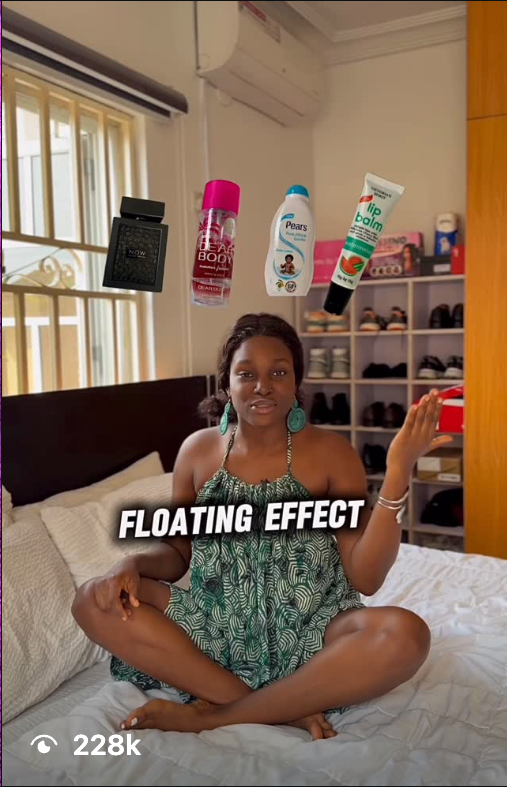
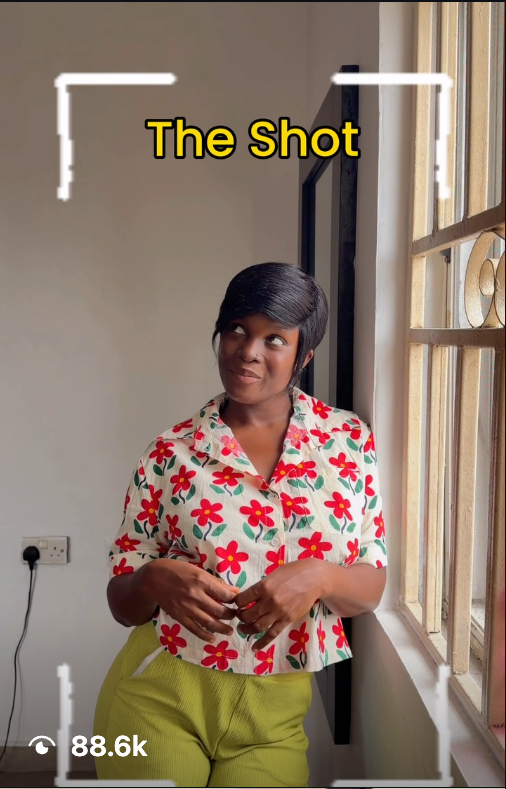
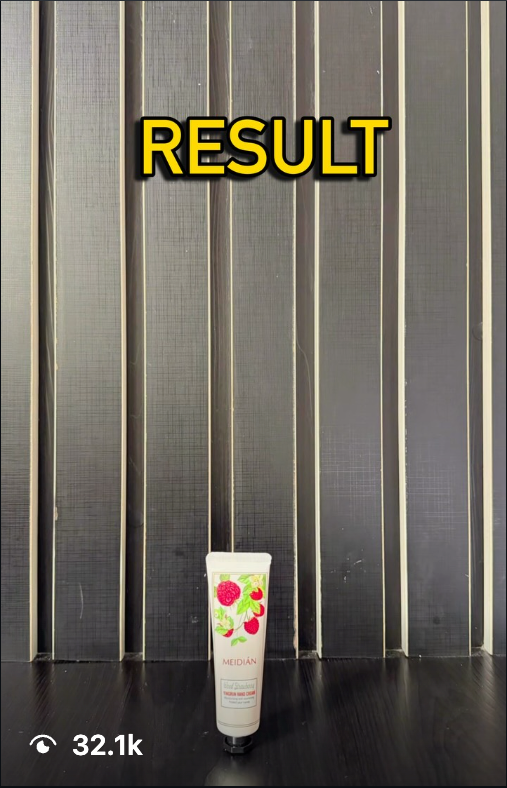
Here are some of my top performing Instagram videos edited completely on a mobile phone using the workflow taught in this course.

Video 1 thumbnail
Video 2 thumbnail
Video 3 thumbnail

Let me ask you a question...

Would you like to open your phone this night, edit a video in under 30 minutes, and confidently post it straight away without recording it multiple times and deleting it?

If you answered yes, this is the most important page you will read this month.

I know what frustration feels like:

You record a video, watch it back, delete it, record it again, and repeat the cycle until you finally give up.

You scroll Instagram and TikTok, watching other creators with videos that look so clean, smooth, and professional, and you wonder, "How are they doing that?"

Meanwhile, when you open CapCut, you just feel overwhelmed. Maybe you've spent over five hours editing a single video, only to still hate the final result. Or you even gave up because you thought you needed a powerful laptop, or CapCut Premium.

The truth is that your content isn't bad. You just haven't learned the editing workflow. Nobody taught you the three stages that every professional editor follows.

Who Is Talking To You

My name is Chinyerem James. I have edited hundreds of videos for myself and my clients, and I have spent the last stretch of my life teaching people on my page how to make videos that look clean.

I created this course to solve that exact problem. This is a complete, step-by-step system designed specifically for beginners.

Everything in this programme is what I do on my own phone, for my own content and for the businesses that pay me.

Here is my promise to you:

By the time you finish this course, you will be able to edit videos that look so professional, you will confidently post them without second-guessing yourself. You will master Keyframes, color grading, sound effects, and captions using just your phone. No laptop required. No CapCut Premium subscription required if you can’t pay for it.

Chinyerem James - Mobile Video Editor & Instructor
The Story Behind the System

Some months back, I was just like you…

I would record something, watch it back, and feel that gap between my video and the videos I admired on Instagram. I could not name what was wrong. It just looked like a beginner made it, and I knew it.

So I would delete it and record again. And again. Most of those videos never got posted at all. They are still sitting in my gallery.

What changed for me was understanding that professional editors are not tapping buttons faster than me. They are following an order. Once somebody finally explained that order to me, everything I had been struggling with for months started making sense in about two weeks.

Since then I have edited hundreds of videos for myself and for clients.

And here is the part that surprised me: I never went looking for those clients. They found me because they saw my work on my page. The editing skill and the marketing were the same activity.

That is what I have packaged into this course.

Develop Your Editor's Eye...

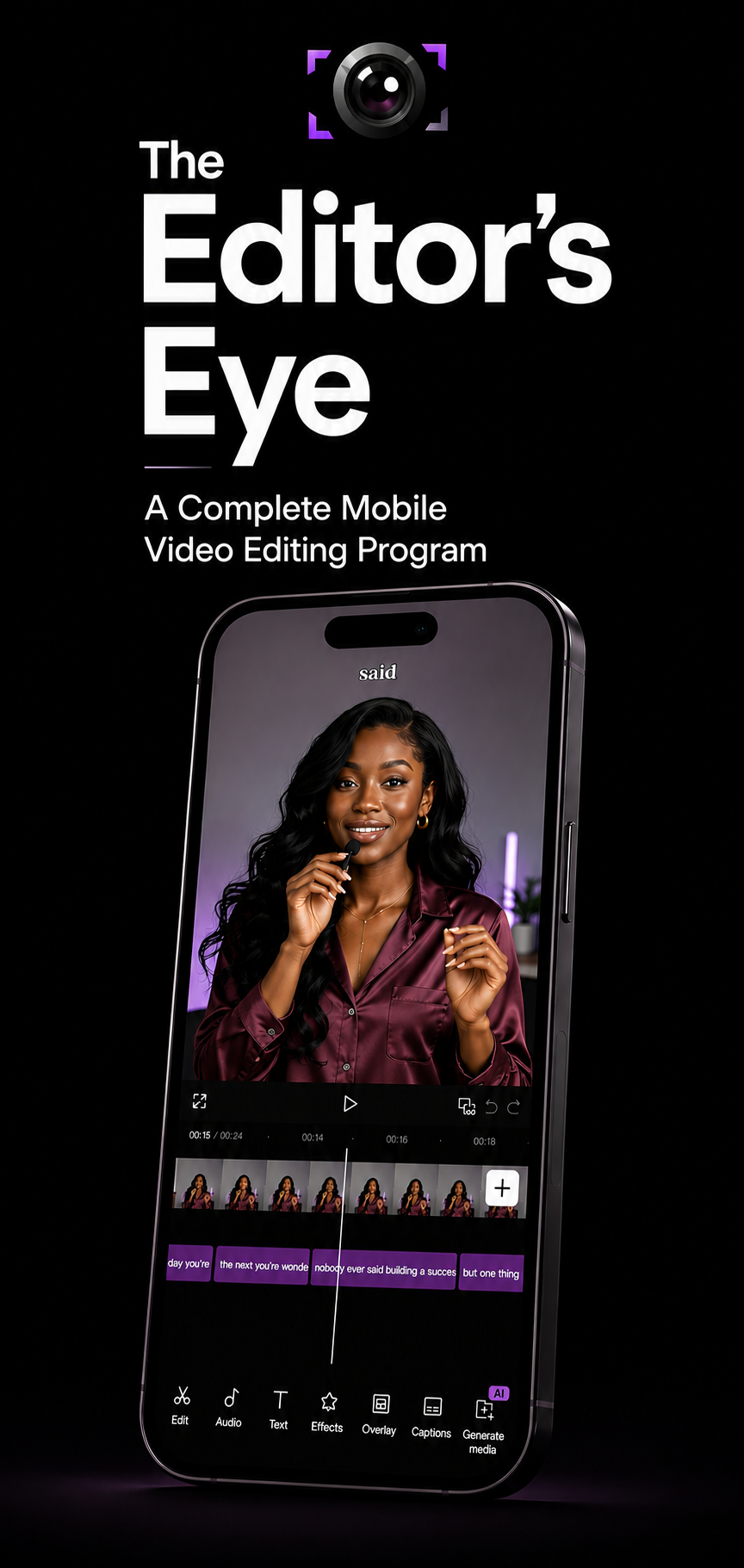
This is a complete mobile video editing programme. Ten lessons. Every single one filmed and taught on a phone, so that what you see on my screen is exactly what you will see on yours.

CapCut app mock up

Most tutorials teach you... "Click this button." "Now click this." "Now add this effect." Without ever explaining WHY.

When you don't understand why an edit exists, you'll never know when to use it. You'll only memorize steps. And the moment your project looks different from the tutorial... you're stuck again.

That's why so many beginners keep watching tutorial after tutorial, yet still can't edit a simple video by themselves. This Course Was Built Differently.

01

Understand How Editors Think

Instead of teaching random tricks, you'll first understand the mental models of professional editors, building what I call the Editor's Eye.

02

The "Why" Behind The Cuts

Discover exactly why professional editors choose certain cuts and why some transitions look incredibly smooth while others look terrible.

03

Sound Design Placement

Learn why one sound effect makes a scene exciting, while another completely ruins the feel and pacing of your footage.

04

Make Decisions with Confidence

Once you understand these basic principles, editing becomes easy because you're no longer copying someone else—you are creating.

The Part Nobody Wants to Talk About

Let me be honest with you about what happens if you do nothing.

You already know your content is not where it should be. That is why you are reading this.

Your gallery is still full of videos you never posted. The vendor selling the same thing you sell, who is not better than you and does not know more than you, has been posting three times a week the whole year. Her customers now think of her first. Not because her product is better, but because she was visible and you were not.

And if it is the money side you care about, understand that businesses are already paying somebody every week to edit those videos. That money is being paid right now. It is simply not being paid to you.

Course Outline

Here Is What You Will Learn Inside The Course

A breakdown of the 10 comprehensive, step-by-step lessons taught completely on a phone.

Lesson 01

The Three-Stage Editing Workflow

  • The workflow that every professional editor follows in the same order, every time.
  • Once you know which stage you are in, you stop tapping randomly.
  • This single workflow cuts most people's editing time in half. (Lesson 1)
Lesson 02

Guided Tour of CapCut

  • A full guided tour of the entire app so that no button is a stranger to you again. (Lesson 2)
Lesson 03

Mastering Keyframes

  • What a keyframe actually is, explained in one simple sentence you will never forget. (Lesson 3)
  • Why using more keyframes makes your movement look worse, not better, and the number you should almost always stick to. (Lesson 3)
Lesson 04

Smooth Transitions & Pacing

  • How to create the smooth push zoom transition you see on TikTok and Reels without using a single one of CapCut's transition effects. This is why it looks cleaner than everyone else's. (Lesson 4)
  • How to make your cuts land exactly on the beat of your music, using CapCut's beat markers. Once you see this you cannot unsee it. (Lesson 4)
Lesson 05

Color Control & Grading

  • The saturation setting that turns Nigerian skin orange, and the number I use instead. (Lesson 5)
  • How to change one single colour in your video without touching any of the others. Your red chair, your pink top, your brand colour. Only that one. (Lesson 5)
Lesson 06

Sound Design & Voiceovers

  • Why your video can look fine and still feel cheap, and the fix that has nothing to do with what people see. (Lesson 6)
  • The difference between an impact sound and a riser, and why using the wrong one at the wrong moment makes an edit feel amateur. (Lesson 6)
  • The exact music volume levels to use when someone is talking, and when nobody is. Two different numbers. Most beginners use one. (Lesson 6)
  • How to record a clean voiceover with no microphone, in an ordinary Nigerian room, without your breathing on the track. (Lesson 6)
Lesson 07

Captions & Safe Zones

  • Why CapCut mishears Nigerian accents, Pidgin and Nigerian names, and the thirty seconds of work that saves you from posting a caption with a spelling mistake in it. (Lesson 7)
  • Safe zones: Where to place your captions so the like button, the comment button and the username do not cover your words after you upload. (Lesson 7)
Lesson 08

Building Your Visual Style

  • The account audit exercise. Three creators, five videos each, and a specific way of watching them that builds your own style instead of turning you into somebody's copy. (Lesson 8)
  • The four part structure behind short videos that hold attention to the end, and the part most beginners skip entirely. (Lesson 8)
  • Why fast editing is the wrong choice for tutorials, and how to match your pace to your message instead of copying whatever is trending. (Lesson 8)
  • What to do on the days you sit down to create and nothing comes. Three exercises that work. (Lesson 8)
Lesson 09

Export Settings & Aspect Ratios

  • The export settings that stop your video looking blurry after the platform compresses it. People spend six hours editing and then destroy the video in the last thirty seconds. (Lesson 9)
  • The aspect ratio for every platform: Reels, TikTok, Shorts, feed posts, YouTube, LinkedIn, X. Choose wrong and your video gets cropped or gets black bars. (Lesson 9)
Lesson 10

Monetizing Your Editing Skills

  • How to make money with video editing. (Lesson 10)
  • How to save your colour grade once as a preset and apply it forever in one tap, so your videos start looking like they belong to the same person. (Lesson 6 and Lesson 8)
  • And plenty more inside the lessons.

Frequently Asked Questions

Yes! This course is both for complete beginners and experienced editors.

No. Before the first lesson I show you a completely free app that does the same things as Capcut Premium. You don't have to pay for CapCut if you don't want to.

No. Every lesson is taught on a phone. That is the whole point.

Both would work. The editing workflow is the same on both devices.

You can comfortably finish in a month doing two or three lessons a week with practice in between. You could rush it on a weekend, but you would be skipping the practice, and the practice is where the skill actually forms.

Yes. We have a support Telegram community where you can always reach me.

Get Instant Access

You already own the only equipment this requires: Your phone!

You already have things worth posting. The only thing between the videos sitting in your gallery and the ones you keep admiring on your feed is an order of operations that nobody has walked you through yet.

Get Lifetime Access Now ₦14,600